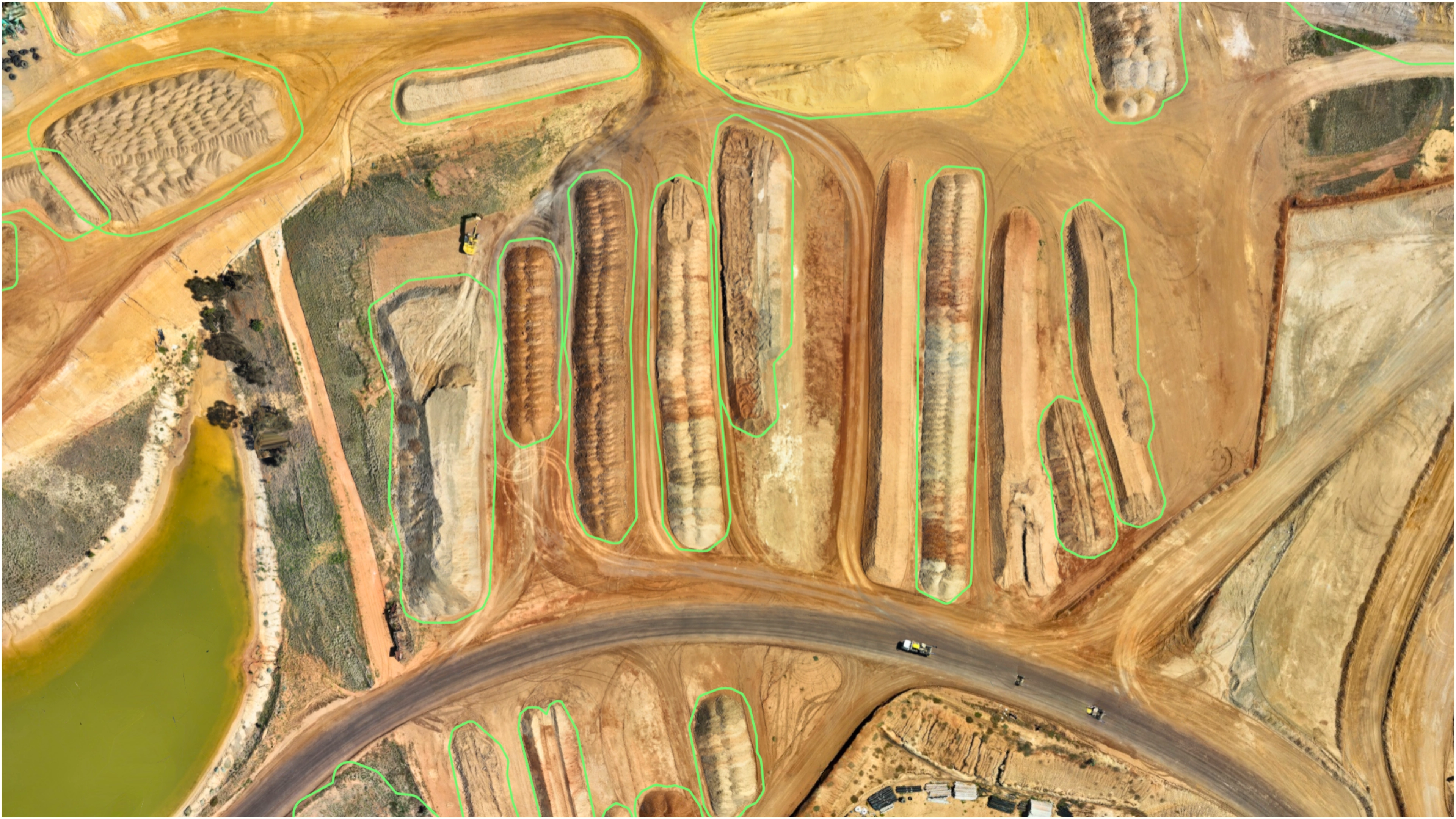
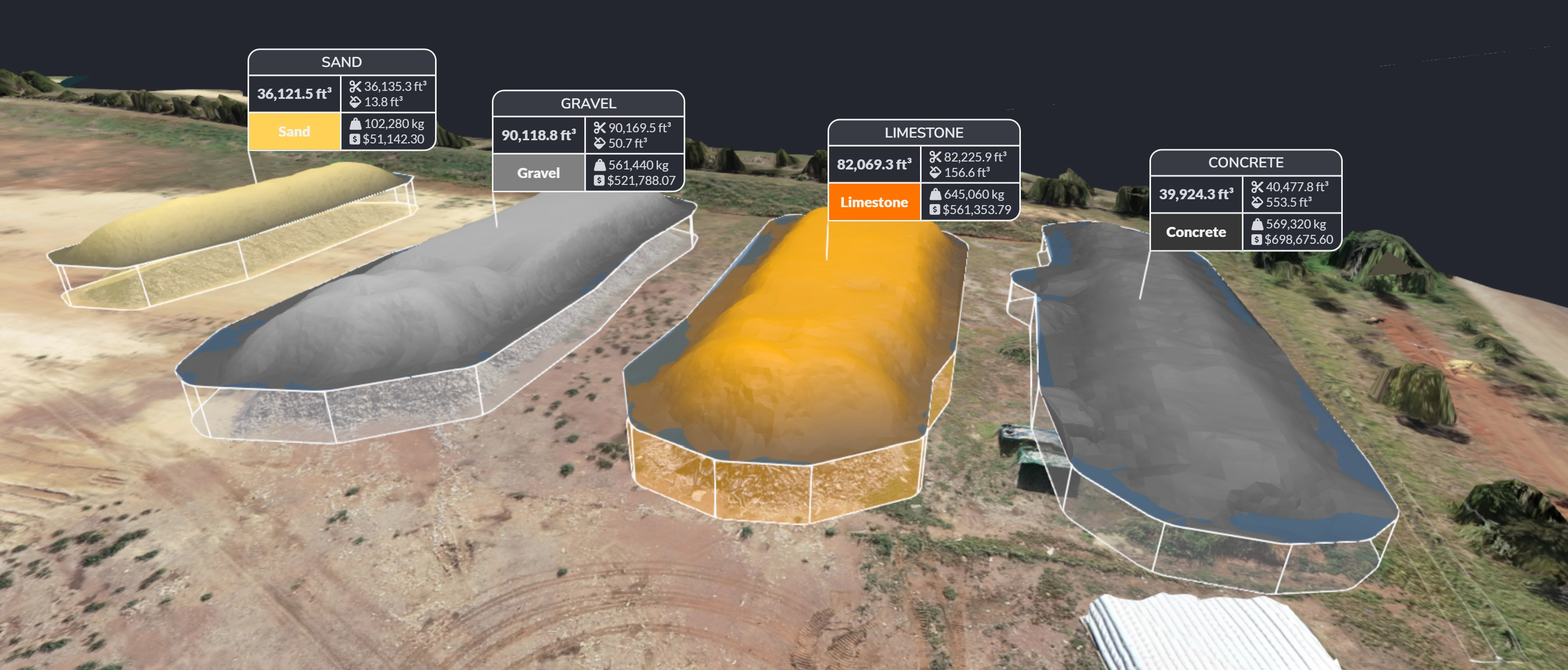
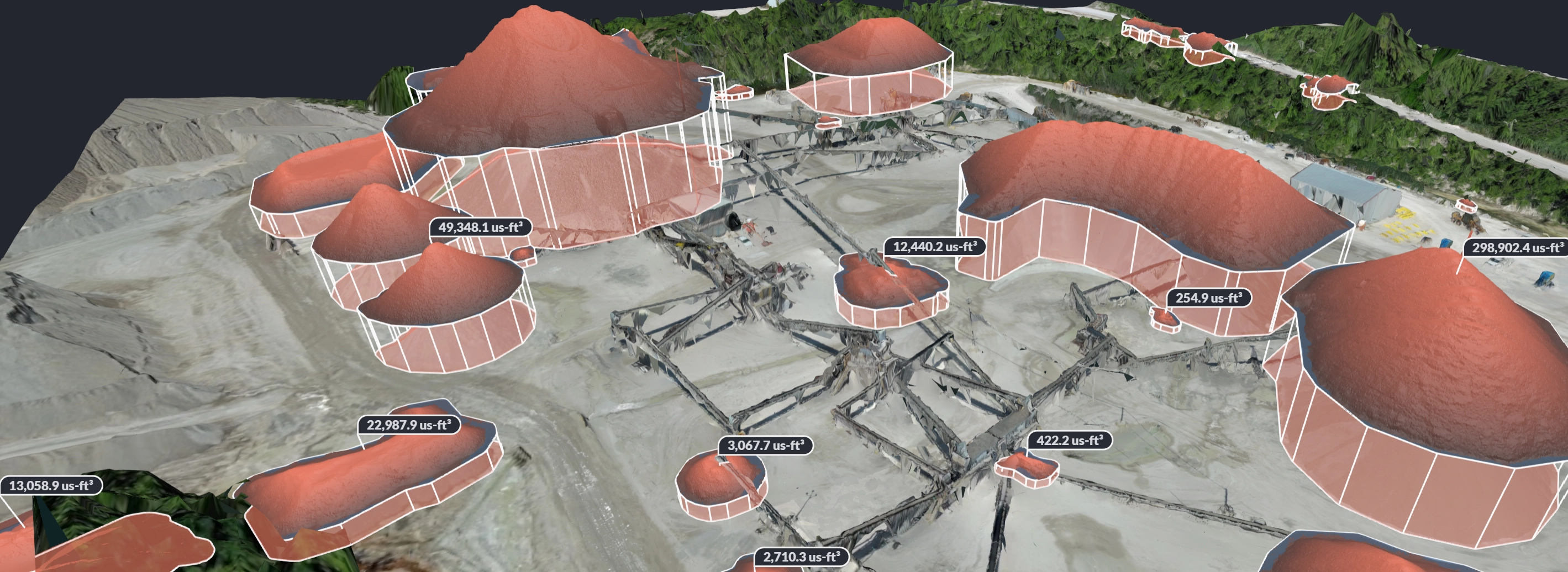
What is StockpileStudio?
StockpileStudio is a feature for accurate volumetric measurements and inventory
management of stockpiles.
How accurate are the measurements?
Volume accuracy depends on input data quality, but with properly collected drone imagery
or LiDAR, StockpileStudio delivers survey-grade results suitable for operational
reporting and engineering workflows. Results are fully traceable back to the underlying
surface model.
How does StockpileStudio handle equipment and temporary site conditions?
StockpileStudio automatically detects and suppresses conveyors, stacker booms, vehicles,
and other temporary structures that may appear in aerial datasets. By analyzing surface
continuity and stockpile morphology, the system isolates material surfaces from manmade
objects and reconstructs a clean base surface when needed. This helps ensure volumes
reflect material mass rather than temporary infrastructure or equipment movement.
How does StockpileStudio integrate with existing workflows?
StockpileStudio fits directly into existing photogrammetry and LiDAR processing
pipelines, using surfaces and point cloud deliverables that are already generated.
What types of stockpiles does StockpileStudio support?
StockpileStudio supports common material stockpiles including aggregates, sand, gravel,
coal, salt, ore, and other bulk materials. It works with both irregular and conical
piles, as well as long windrows and storage bays.
What outputs does StockpileStudio provide?
StockpileStudio produces clear volume summaries, individual pile measurements, and
exportable data that can be used for reporting, inventory tracking, or downstream CAD
and GIS workflows.
Does StockpileStudio require LiDAR data?
No. StockpileStudio works with both photogrammetry-derived surfaces and LiDAR point
clouds. LiDAR can improve performance in complex or partially vegetated areas, but is
not required for most stockpile use cases.