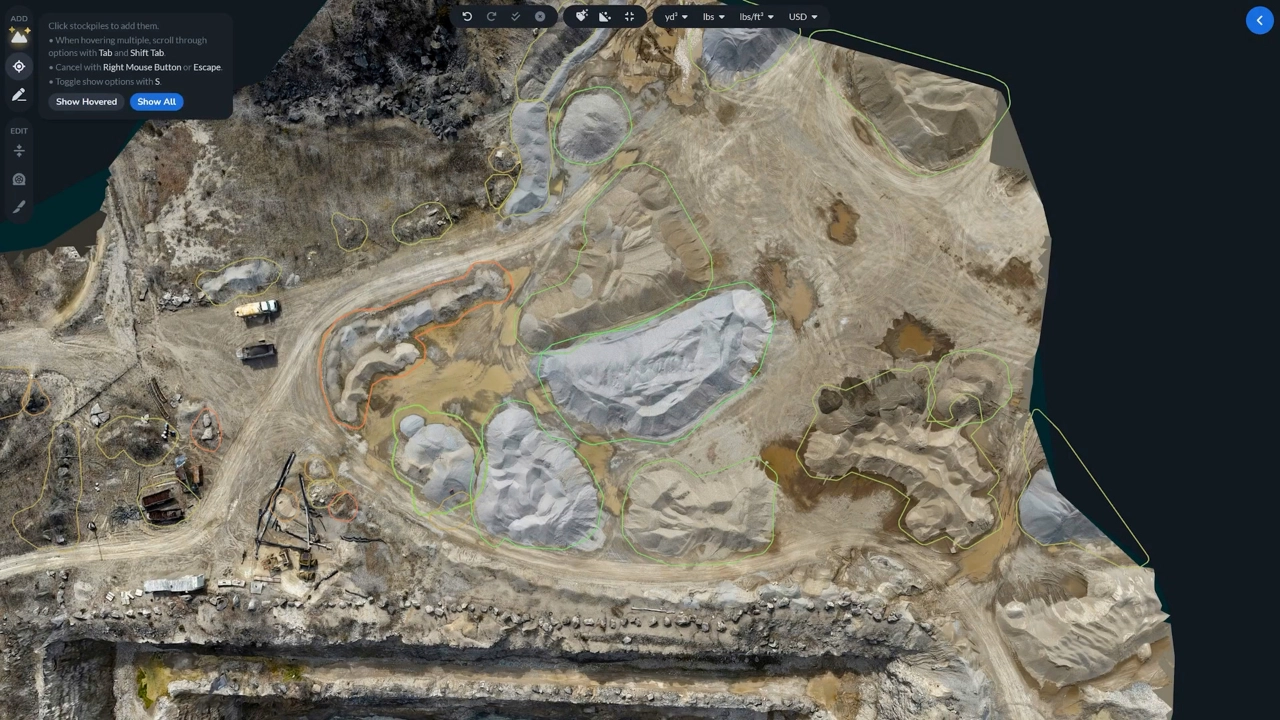
Auto-Outline Confidence System in StockpileStudio
With StockpileStudio’s Auto-Outline Confidence System, you can visually and interactively control the balance of high-confidence and low-confidence stockpile selection.
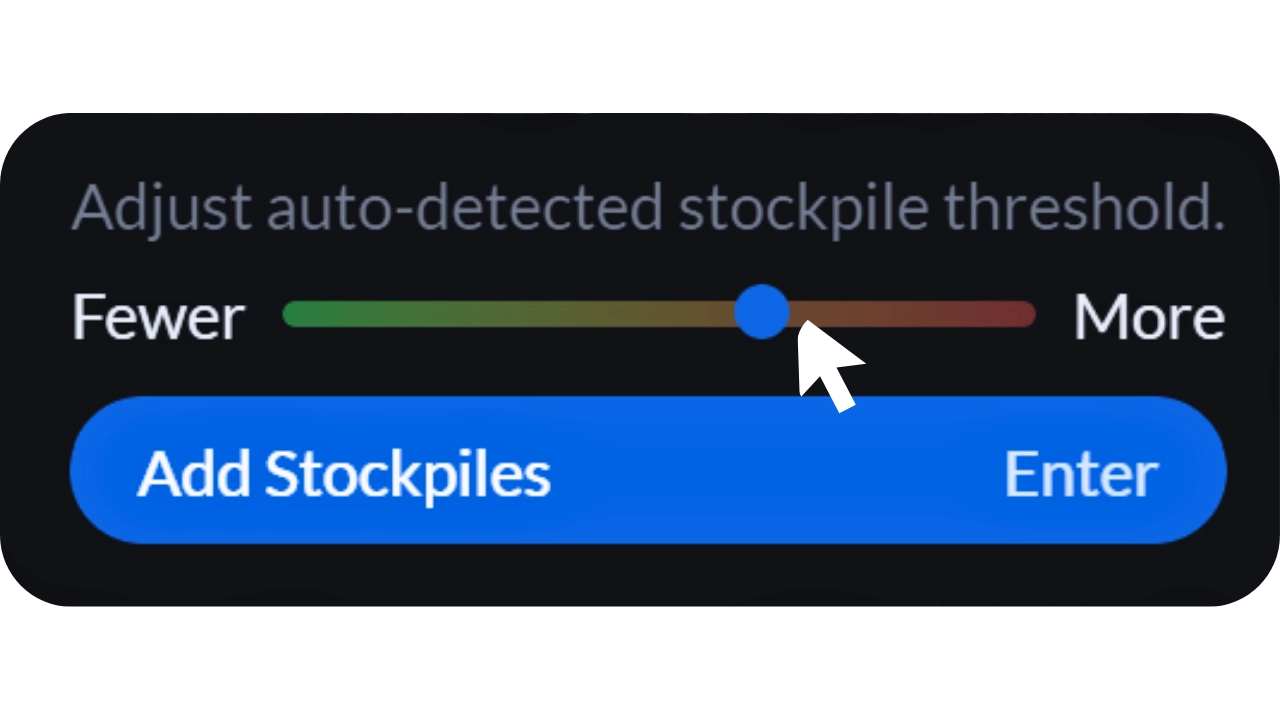
As you scrub through the detection threshold, the color gradient updates in real time—from green to red.
- Green represents fewer, higher-confidence stockpiles.
- Red expands detection, revealing more potential stockpiles—but with lower confidence.
This gives you immediate control over how aggressive the system should be, depending on your project needs. The same rating system carries into the Pick Stockpiles tool.
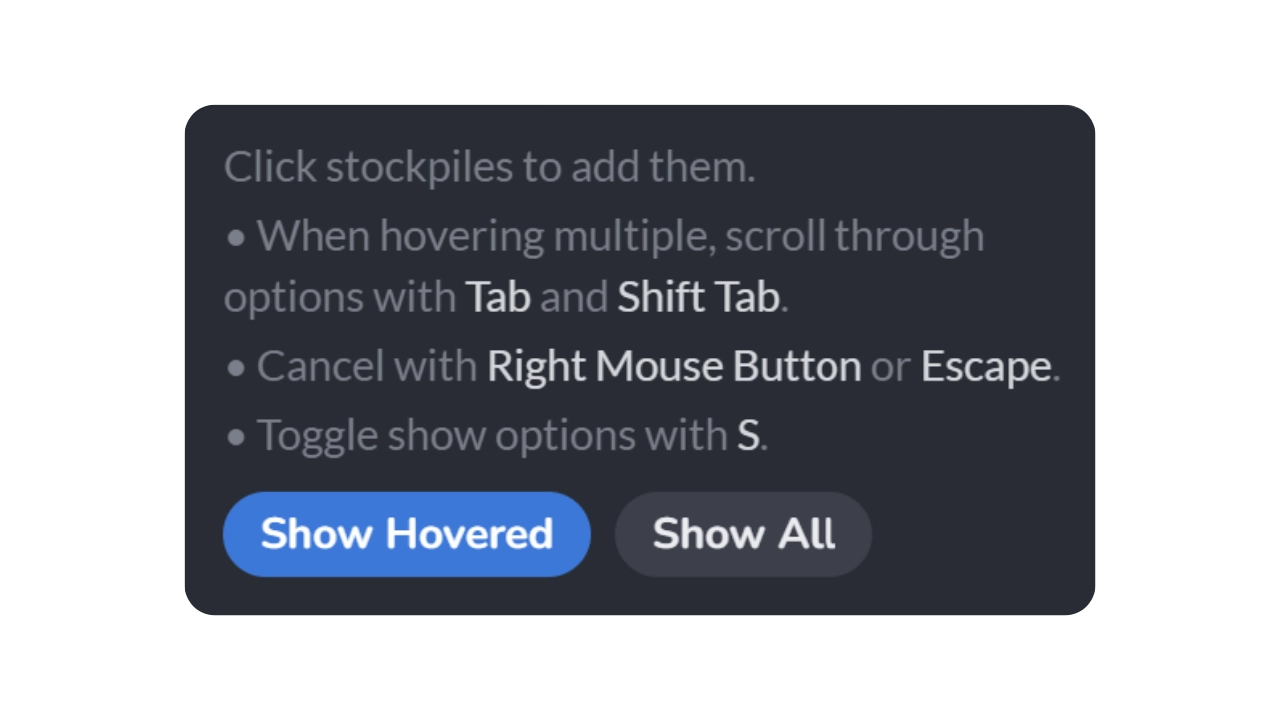
Where you can enable Show Hovered to preview individual stockpiles—each outlined in its confidence color, from red through orange and yellow, up to green.
If you want full visibility of the ratings, toggle Show All to display every detected outline—both high-confidence and questionable candidates.
Instead of guessing what the algorithm sees, you can now see it, instantly. And more importantly, you stay in control of the final result when working with your stockpiles.