Login   |   Contact Us Book a Demo
Explore PixElement Desktop for Windows
Hardware Requirements

Built for Local Processing and Full Control

Run PixElement Desktop directly on your machine with no dependency on cloud infrastructure. Ideal for secure environments, high-performance processing, and controlled workflows.
  • No cloud upload required
  • Full control over data and processing
  • Optimized for high-performance processing
  • Works in disconnected environments
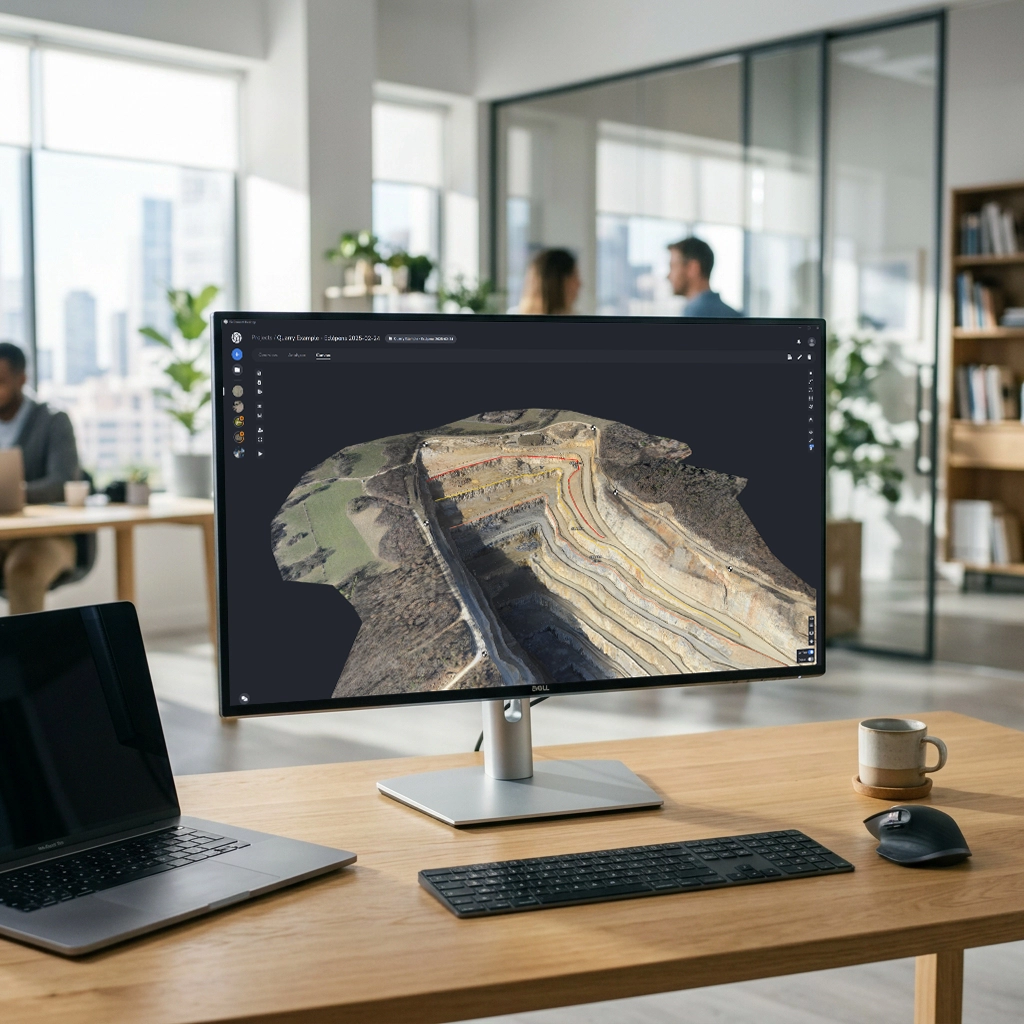
PixElement Desktop Software on Monitor

What You Can Do with PixElement Desktop

Map

Extract

Deliver

Support

Features
Drone Imagery (Nadir/Oblique)
Aircraft Imagery
LiDAR
Camera Models
Integration of RTK data from exif metatags
Rapid Processing Option
LiDAR + Photogrammetric Deliverables
 
Aircraft Mapping Icon LiDAR Point Cloud Icon
Benefits
Use nadir and oblique imagery captured from drones for comprehensive coverage to generate high resolution 3D models.
Capture imagery from aircraft for large-scale mapping projects.
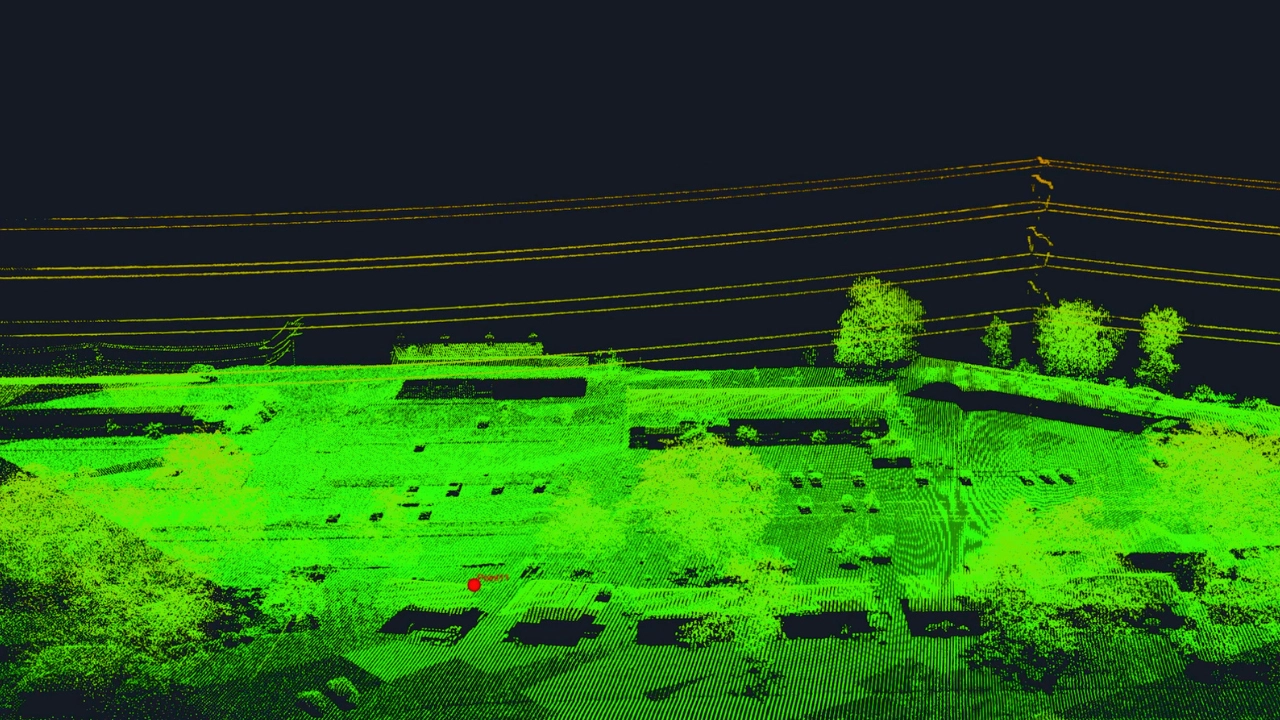
Import and process LiDAR point cloud data for precise terrain modeling and analysis.
We support thousands of different camera types and are adding more by the day.
Directly integrate RTK information from image metatags or external files for enhanced georeferencing accuracy.
Looking to get rapid results in the field? Find our rapid option and get results back in minutes, not hours.
Create true color point clouds, textured 3D meshes, and orthoimages by integrating imagery with your LiDAR data.
Features
Orthoimage
Point Cloud
Textured 3D Mesh
Digital Elevation Model
Generate bare earth TINs
Edit break lines on TINs
Generate Contours
Coordinate Systems
Digital Field Survey
Layer Manager
2D Drapes/Overlays
Project Timeline
DXF + LandXML Support
Stereo Photogrammetry
Reference Point Manager
 
Photogrammetry Reconstruction Icon 3D Textured Mesh Icon Aerotriangulation Icon Elevation Contours Icon Geospatial Layer Manager Icon 2D Map Viewer Icon Project Timeline Comparison Icon Ground Control Point Manager Icon
Benefits
Generate orthorectified imagery for accurate map creation and analysis. Correct image distortions caused by building relief and camera angles for true orthomosaics.
Extract dense point cloud data from aerial imagery and LiDAR scans.*
Visualize reality on your jobsite with detailed textured 3D mesh models.
Generate high resolution Digital Elevation Models (DEMs).
Create bare earth TINs for precise terrain analysis.
Add, modify or delete breaklines on your TINs to better represent specific terrain features.
Create contour lines from elevation data to produce maps for surveying, engineering and environmental analysis.
Select from thousands of coordinate systems throughout the world, or use a localized system customized for your site.
Import ground shots from your GNSS or total station into the project for field check verification and editing.
Manage your different drawing features and codes under different layers and preserve your existing workflows for surveying.
Overlay multiple project imagery datasets in 2D viewer to visualize the progression of a project site and mitigate future problems.
View different dates of your project side by side with our Timeline viewer.
Import your field linework or export your digital linework while preserving lines, curves, arcs, etc. We support and advocate for open land design formats.
Measure anything that is visible in imagery with our stereo photogrammetric measurement interface.
Use Ground Control Points, Checkpoints or Manual Tiepoints for your aerotriangulation.
Features
Multiple Export Formats
Reports & Documentation
 
Benefits
Export your data and models in a variety of formats (obj, las, tif, tfw, jpg, jgw). Ensure compatibility with industry-standard software and GIS platforms.
Generate detailed Bundle Adjustment and Project Reports summarizing project findings, annotations and methodologies via PDF.
Features
Phone
Chat
Email
Language Support
Education
 
Benefits
Talk with a real person! No elevator music or automated recordings. Get help from real humans.
Directly chat with product support specialists and product developers.
Have a question outside of working hours or on the weekend? Send us an email and we will follow up with you.
We support Spanish, Portuguese, German, French, Hungarian, Polish and Hindi, and are working to add more.
Access education resources, including tutorials and documentation empowering users to enhance their skills and proficiency leading to improved productivity and project outcomes.
* Rows highlighted in blue are only available in Desktop Advanced.

Built for Real-World Workflows

PixElement Desktop is designed for professionals who demand high performance, precision accuracy, and complete control over their geospatial projects.
Surveyors & Mapping Professionals

Surveyors & Mapping Professionals

Process aerial datasets into accurate deliverables without relying on cloud uploads. Work directly with RTK / PPK data and generate outputs ready for CAD and engineering workflows.

Mining & Aggregates

Mining & Aggregates

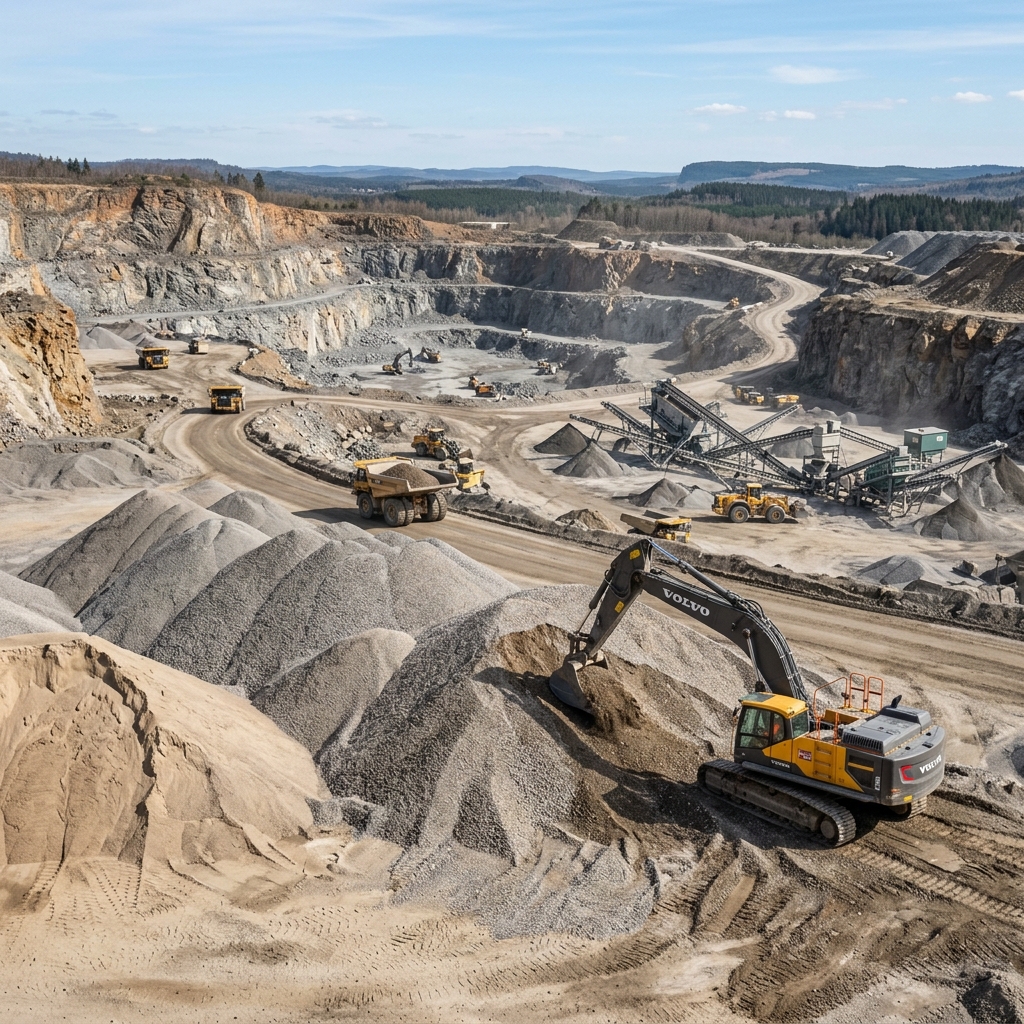
Analyze stockpiles, terrain, and site changes using local processing power. Handle large datasets and generate volume reports without bandwidth limitations.

Field & Remote Operations

Field & Remote Operations

Operate fully offline in remote or secure environments. Process and analyze data directly on-site without internet dependency.

Government & Secure Environments

Government & Secure Environments

Maintain full control over sensitive data with local-only processing. Deploy in controlled environments where cloud access is restricted or not permitted.

How It Works

Upload, process, and deliver geospatial outputs without complexity.

JPG Image File Format LAS Point Cloud File Format

1. Upload Data

Securely ingest raw imagery and LiDAR data directly into the PixElement platform. We support a wide range of professional sensors and file formats, ensuring direct compatibility for everything from single-drone flights to complex, multi-sensor airborne missions.

High-Resolution Orthoimage Output

2. Map & Process

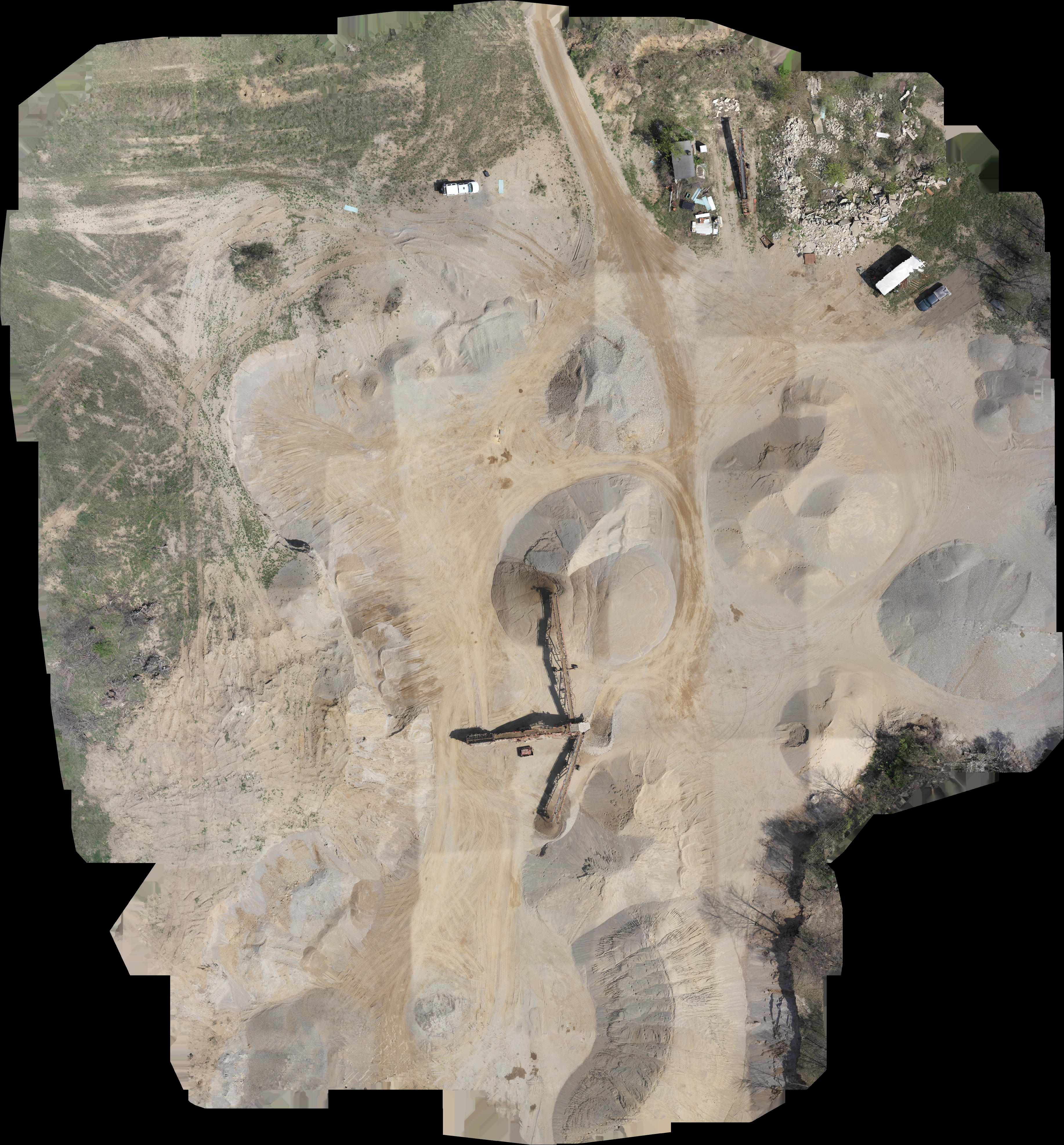
Our advanced engine automates photogrammetry reconstruction, precision bundle adjustment, and aerotriangulation. Transform raw imagery and LiDAR into high-density point clouds and georeferenced orthoimages with centimeter-level accuracy.

Volumetric Analysis Data Product

3. Extract Data

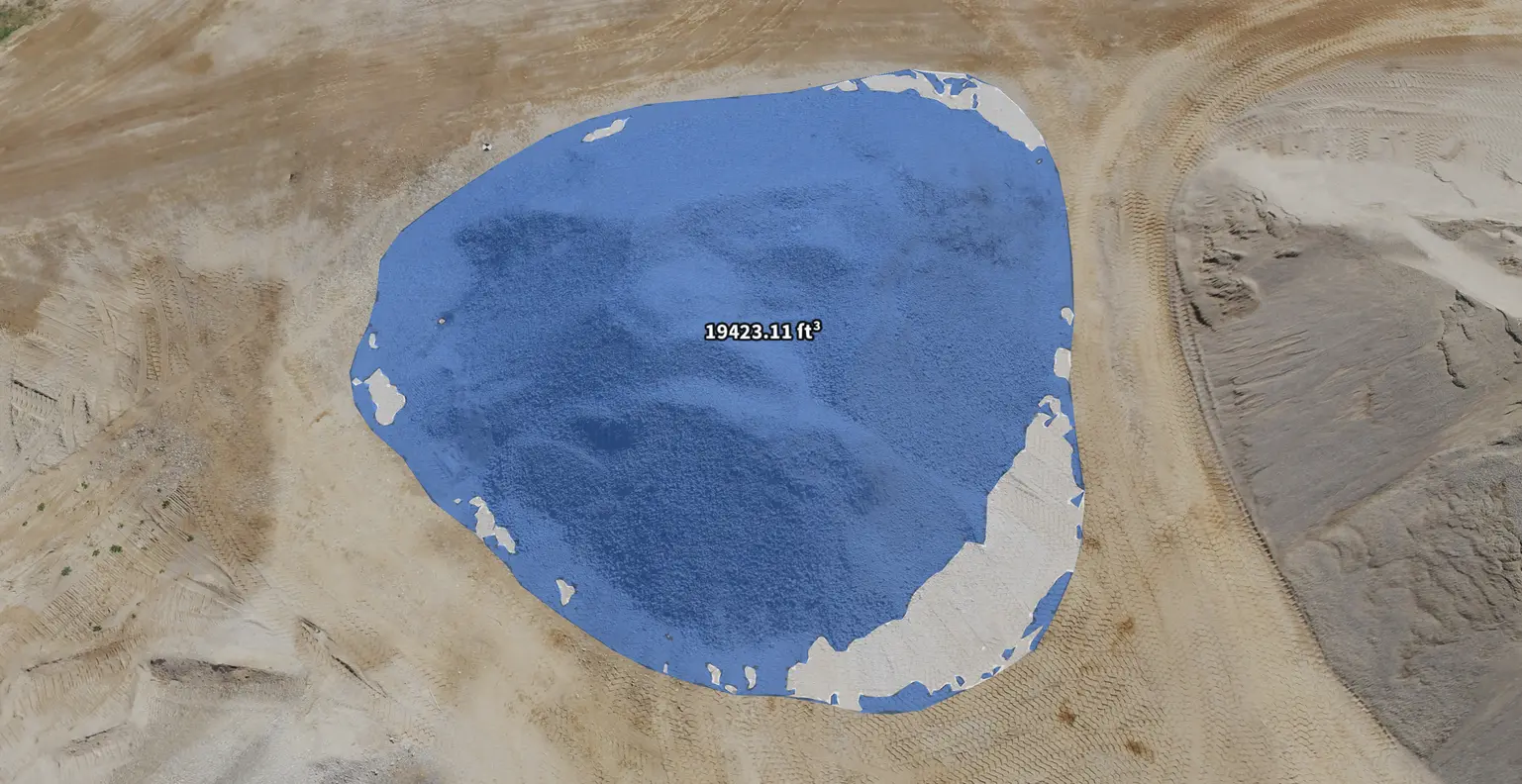
Extract survey-grade 3D measurements and perform volumetric analysis directly in the PixElement Canvas. Leverage specialized tools like StockpileStudio for automated pile reporting and FastDraft for expert linework drafting, alongside automated bare-earth extraction for comprehensive project analysis.

LandXML
KML
CSV
JSON
TILES

4. Deliver Outputs

Generate and export engineering-ready deliverables in industry-standard formats (XML, SHP, OBJ, LAS, and more) for direct integration into your GIS or CAD software. Share interactive project links and professional reports to facilitate instant stakeholder collaboration and data-driven decision making.

Run PixElement Desktop on Your Machine

Process imagery, analyze data, and generate deliverables locally with full control and no dependency on cloud infrastructure.

Hardware Requirements

To process your projects locally, PixElement Desktop requires Windows 10 or 11 with a lot of computing power, RAM, and storage. These are our mininum and recommended specs for your computer.
Hardware Minimum Recommended
CPU Intel I7 / AMD Ryzen 7 Intel I9 14 gen / AMD Ryzen 9
CPU Cores 8 / 8 24 / 16
CPU Threads 16 / 16 32 / 32
RAM 32 GB 64 GB or more
SSD NVMe 1 TB free 4 TB or more free
Graphics Card Nvidia GeForce * Nvidia GeForce *
* Or equivalent. The software will use both the GPU and Adaptor RAM of the card.
Make sure to set your Power Mode to Best performance under your computer's System Settings to get faster processing times.
No internet connection is required to process your datasets, making it easy to process while in the field. However, an internet connection is required for your initial license activation, as well as every 90 days.